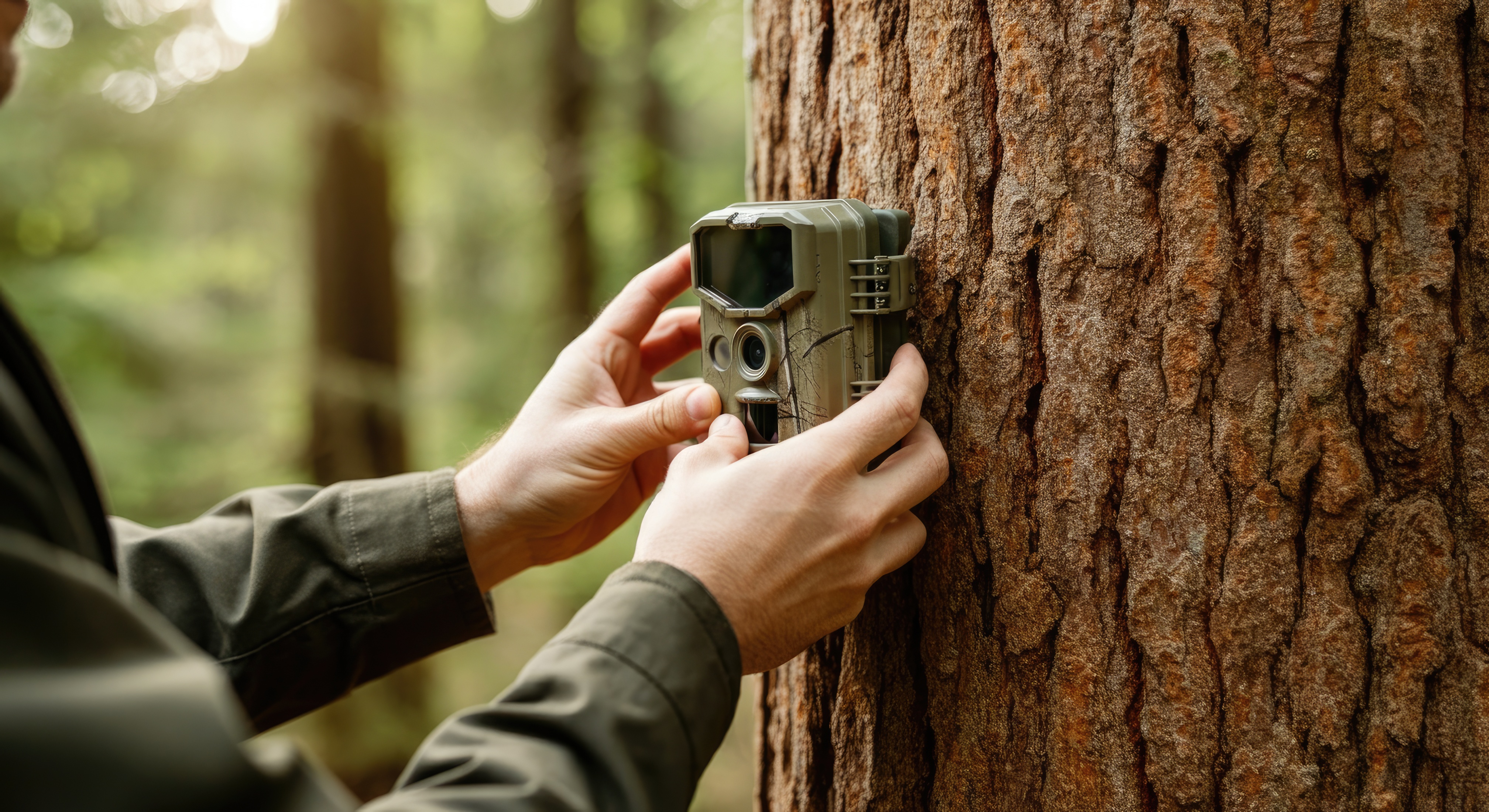
When I first received my 2nd trail camera, I excitedly trekked up into the woods to set it up, carefully mounting it, adding an SD card, installing fresh batteries, and walked away expecting to see a ton of animals. Instead, I came back to an empty memory card.
After some trial and error, I discovered the problem wasn’t the camera, it was that the SD card needed to be formatted before the camera could save images. It was a simple fix, but it took me much longer than I would like to admit to fix it.
Since then, I’ve learned that most trail camera problems come down to a handful of common issues. Dead batteries, improperly formatted SD cards, incorrect settings, or poor camera placement are responsible for the majority of “my trail camera isn’t taking pictures” problems.
Below are the most common causes and the simple steps you can take to get your trail camera working again.
1. Dead or Weak Batteries
One of the most common issues reported by trail camera owners. Even if the camera powers on, weak batteries may not provide enough power for the motion sensor or night flash.
2. SD Card Needs to Be Formatted
Many cameras won’t save photos if the SD card isn’t formatted correctly. Format the card in the camera whenever possible, and always back up your photos first. Ding ding ding….this is the reason my camera wasn’t working!
3. Full SD Card
If the card is full, the camera won’t capture new images unless overwrite mode is enabled.
4. Motion Detection Settings
Check that motion detection is turned on and the sensitivity isn’t set too low.
5. Camera Placement
Avoid aiming directly into the sunrise or sunset, and clear tall grass or branches that can interfere with detection.
6. Incorrect Camera Mode
Make sure the camera is set to Photo or Photo + Video if you expect still images.
7. Dirty Lens or Sensor
Wipe away dirt, dust, spider webs, or moisture that could block the sensor or lens.
8. Faulty or Incompatible SD Card
Some cameras don’t work well with high-capacity or very fast SD cards. Check your camera’s manual for supported card types.
9. Firmware Issues
If the manufacturer offers a firmware update, install it to resolve known bugs.
10. The Camera May Be Defective
If you’ve checked everything else, test the camera with fresh batteries and a newly formatted SD card. If it still doesn’t work, contact the manufacturer or consider replacing it.