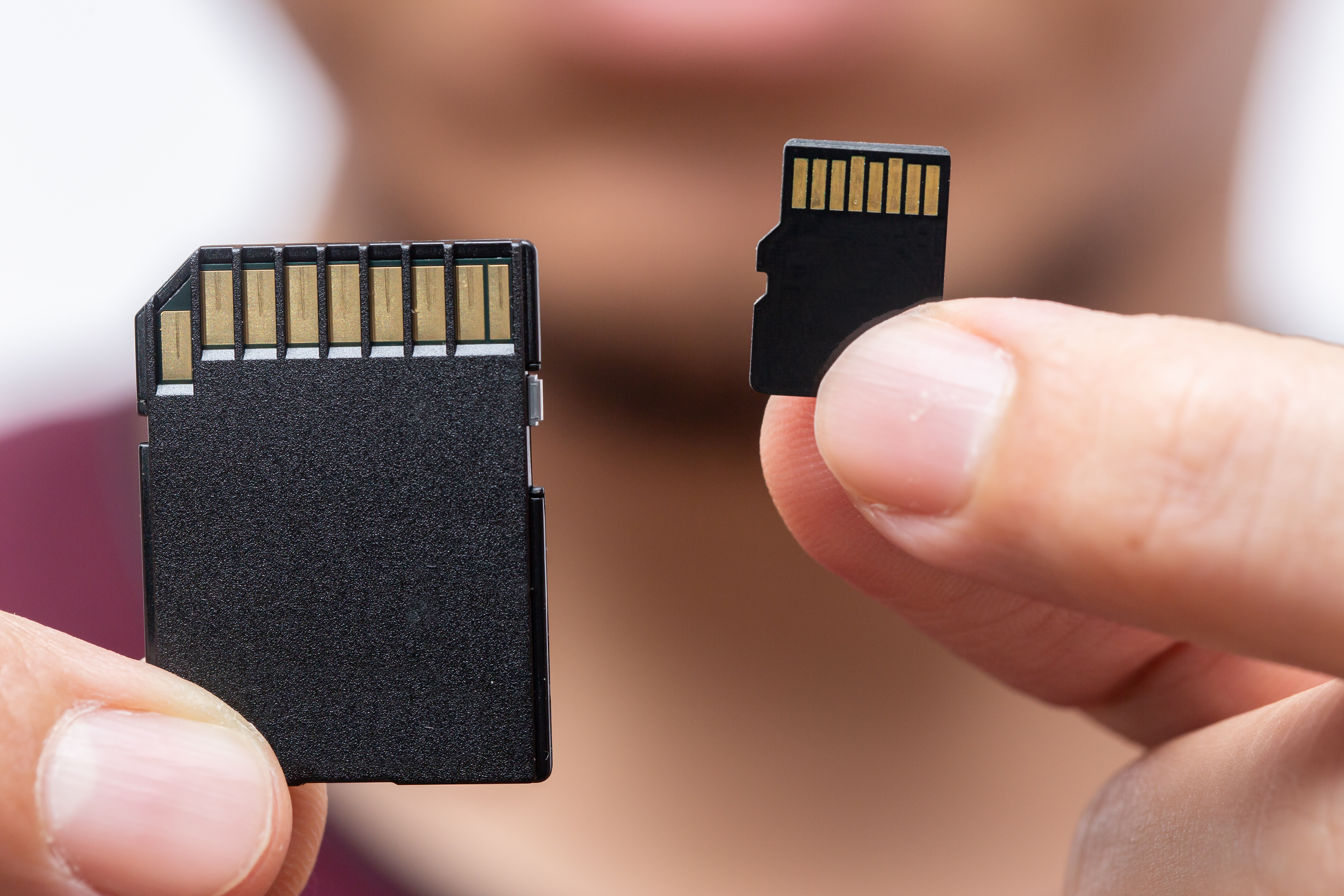
The SD card is the most overlooked part of any trail camera setup. Most people grab whatever’s on sale at the checkout aisle, drop it in, and never think about it again until the camera starts behaving strangely.
Corrupted files or your camera may freeze on on startup. You may have photos missing from a deployment or burst shots are no longersaving correctly. A trail camera that seems to be triggering but not capturing anything. In the vast majority of these cases, the culprit isn’t the camera. It’s an incompatible, incorrectly formatted, or failing SD card. If you turn your camera on after inserting the SD card and you’re getting blank photos, here are the top 10 issues that can get you back on track.
Spend five minutes understanding what to look for, and you’ll eliminate one of the most common sources of trail camera frustration entirely.
In the market for an SDcard for your camera? Here’s a link to my favorite.
What Size SD Card Do You Need?
The short answer is that a 32GB card handles the majority of trail camera situations comfortably, but, I choose to use a 128GB so I will never have to worry about offloading.
To give 32GB some context, the card can hold about 20,000 high-res photos, or or roughly 8 hours of 1080p video footage. If you’re visiting your camera semi regularly, even a month in between checks, 32GB should be plenty.
If you have an older trail camera, check your camera’s manual, your camera may not support anything over 32GB. Most newer models support 64GB or 128GB.
- Standard photo deployments (1–4 weeks): 16GB or 32GB is good enough for most locations.
- Video mode / high-traffic locations: 32GB minimum; 64GB if your camera supports it.
Speed Class: What Class 10 / U1 / U3 Means
Speed class ratings tell you how fast the card can write data. For trail cameras, write speed matters more than read speed, the camera needs to save the image to the card fast enough to be ready for the next trigger.
Class 10: The minimum you should use in any trail camera. Class 10 guarantees a minimum write speed of 10MB/s. Adequate for standard photos and 1080p video.
U1 (UHS Speed Class 1): Same minimum write speed as Class 10 (10MB/s), but rated for the UHS bus interface. Equivalent to Class 10 for trail camera purposes and from my experience, either works fine.
U3 (UHS Speed Class 3): Minimum 30MB/s write speed. Required for 4K video recording. If your trail camera shoots 4K, don’t use anything below U3 because you’ll get dropped frames, corrupted video files, or the camera will refuse to record.
SD vs. SDHC vs. SDXC: Does It Matter?
Depending upon your camera, it matters.
SD: Standard SD cards top out at 2GB. You don’t really find these much anymore, and they’re not worth using.
SDHC (SD High Capacity): Cards from 4GB to 32GB. The most common format and what the vast majority of trail cameras are designed to use.
SDXC (SD Extended Capacity): Cards from 64GB to 2TB. Faster and higher capacity, but uses a different file system (exFAT instead of FAT32). Older cameras that don’t support exFAT will not recognize SDXC cards at all.
Tip: If your camera was made before 2018, stick with SDHC (32GB maximum). If your camera explicitly states SDXC compatibility in the manual, you’re good to go with 64GB or larger.
Best SD Card Brands for Trail Cameras
Trail cameras write to their cards repeatedly over months of deployment in temperature extremes, which is different from how a smartphone or digital camera uses a card.
SanDisk Endurance series: Designed specifically for continuous-write applications like security cameras and dashcams. The trail camera equivalent of a workhorse. Excellent reliability across temperature ranges.
Samsung Pro Endurance: Samsung’s version of the same concept, built for high write-cycle applications. Consistent performer.
Kingston Canvas Select Plus: Solid mid-range option at a competitive price. Class 10 / U1 / V10: fine for standard photo deployments.
| Card | Capacity | Speed Class | Best For | Approx. Price |
|---|---|---|---|---|
| SanDisk Endurance | 32GB | Class 10/U1 | Standard photo deployment | $10–$14 |
| SanDisk Endurance | 64GB | Class 10/U3 | Video mode / 4K | $15–$20 |
| Samsung Pro Endurance | 32GB | Class 10/U3 | All-around workhorse | $12–$16 |
| Kingston Canvas Select Plus | 32GB | Class 10/U1 | Budget-friendly standard | $8–$12 |
What to avoid: Generic no-name cards from marketplace sellers, especially at unusually low prices. These often use lower-grade flash memory that fails silently, appearing to work until a check reveals weeks of corrupted or missing files. The $8 savings isn’t worth a month of lost data.
How to Format an SD Card for a Trail Camera
This is the single most important thing you can do to prevent SD card problems. Always format your card inside the camera, not on your computer.
Here’s why: when your computer formats an SD card, it uses its own file system settings, allocation unit sizes, and folder structure. Trail cameras expect a specific file system setup. A mismatch doesn’t always cause an immediate obvious failure. Sometimes it just causes occasional corrupted files or subtle write errors that compound over time.
How to format in-camera (most trail cameras follow this same sequence):
- Insert the SD card into the camera.
- Power on the camera and access the menu.
- Navigate to Settings or Setup.
- Find the Format or Format SD Card option.
- Confirm the format. The camera will erase and reformat the card in its preferred configuration.
This takes about 10–15 seconds. Make it a habit every time you swap a card.
Tip: Format your spare cards at home before heading to the field, not after you arrive. It’s one less thing to do at the camera location.
Are you in the market for a trail camera? Here’s my favorite solar trail camera. I like it so much, I actually own two of these.
How Often Should You Replace Your SD Card?
SD cards have a finite number of write cycles, the number of times data can be written to and erased from the flash memory before it starts to degrade. For most consumer-grade cards, this is somewhere in the range of 3,000–10,000 write cycles. Endurance cards are rated significantly higher.
For a trail camera in a moderate-traffic location triggering 30 times a day, that’s roughly 10,000 write events per year. After 2–3 years of heavy use, the card’s performance can start to decline.
Replace your SD cards every 1–2 seasons if they’re in heavy use. Signs of a card that’s reaching end of life:
- Files that appear on the camera display but won’t open on a computer
- Increasing frequency of corrupted or partial images
- Camera taking longer than usual to complete a write cycle
- Camera locking up or restarting after triggering
Common SD Card Mistakes to Avoid
Formatting on your PC instead of in-camera. This is the most common mistake and the root cause of a huge percentage of trail camera SD card problems.
Using the same card across multiple cameras without reformatting. Each camera wants to set up the card its own way. Swap a card from Camera A to Camera B? Reformat it in Camera B before deploying.
Ignoring speed class. A slow card in a video-mode camera is a recipe for dropped frames and corrupted clips.
Using a card that exceeds your camera’s maximum supported size. A 128GB SDXC card in a camera that tops out at 32GB SDHC won’t work and may damage the card or camera in the process.
Letting the card run completely full. Most trail cameras don’t handle a 100% full card gracefully. Set a reminder to check cards before they fill, or enable overwrite mode if your camera supports it.